I believe guetzli is slightly more robust around quality 94, but jpegli likely better at or equal at lower qualities like below 85. Jpegli is likely about 1000x faster and still good.
That's my experience, yes. Just tested it on a 750kB 1080p image with detailed areas and areas with gradients. Highly unscientific, N=1 results:
- Guetzli at q=84 (the minimum allowed by Guetzli) takes 47s and produces a 403kB image.
- Jpegli at q=84 takes 73ms (MILLIseconds) and produces a mostly-indistinguishable 418kB image. "Mostly" because:
A. it's possible to find areas with subtle color gradients where Guetzli does a better job at keeping it smooth over a large area.
B. "Little specks" show a bit more "typical JPG color-mush artifacting" around the speck with Jpegli than Guetzli, which stays remarkably close to the original
Also, compared to the usual encoder I'm used to (e.g. the one in GIMP, libjpeg maybe?), Jpegli seems to degrade pretty well going into lower qualities (q=80, q=70, q=60). Qualities lower than q=84 are not even allowed by Guetzli (unless you do a custom build).
I'm immediately switching my "smallify jpg" Nautilus script from Guetzli to Jpegli. The dog-slowness of Guetzli used to be tolerable when there was no close contender, but now it feels unjustified in comparison to the instant darn excellent result of Jpegli.
With guetzli I added manually overprovisioning for slow smooth gradients. If you have an example where guetzli is better with gradients you could post an issue with a sample image. That would help us to potentially fix it for jpegli, too.
Hey didn't realize I was answering to a contributor!
So, I started creating an issue in the repo, and as I was creating a side-by-side-by-side comparison of A=orig, B=guetzli, C=jpegli ... I realize that wait-a-minute, Jpegli is actually doing a better job at preserving the original image :D
The B/guetzli version is actually too smoothed, obviating a couple gradient anomalies observable in A/orig. Conversely, C/jpegli actually better "preserves" these imperfections, by not smoothening the broader area into a gradient that is "smoother" but loses some detail.
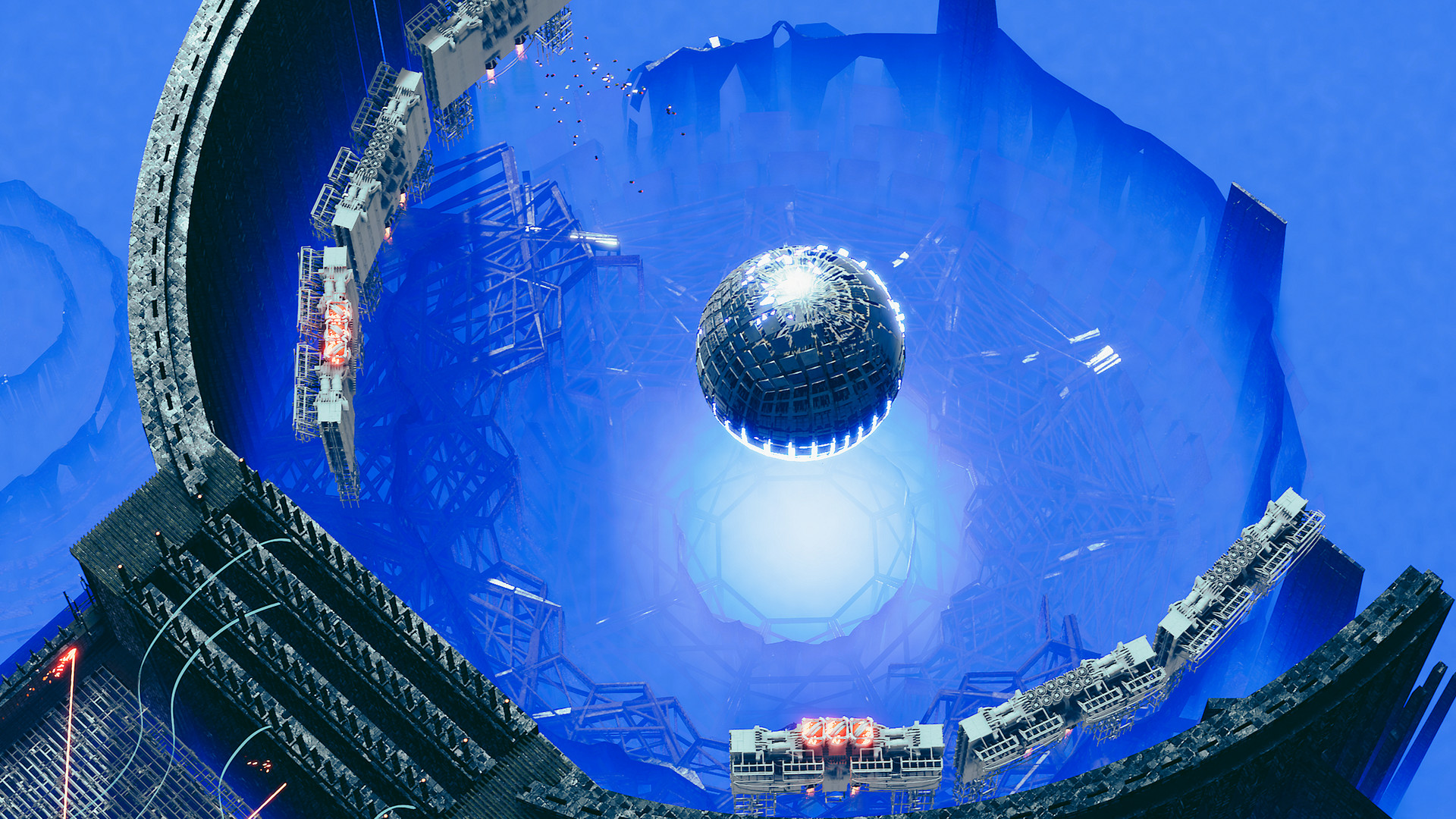
So, not creating an issue :D. If you wish to see the image and do the A/B/C comparison yourself, it is screenshot 14 of videogame [1], direct link [2]. The area where I noticed differences in gradients is the top / top-right area with black arches and blue fog.